Get started · module 02
Studio
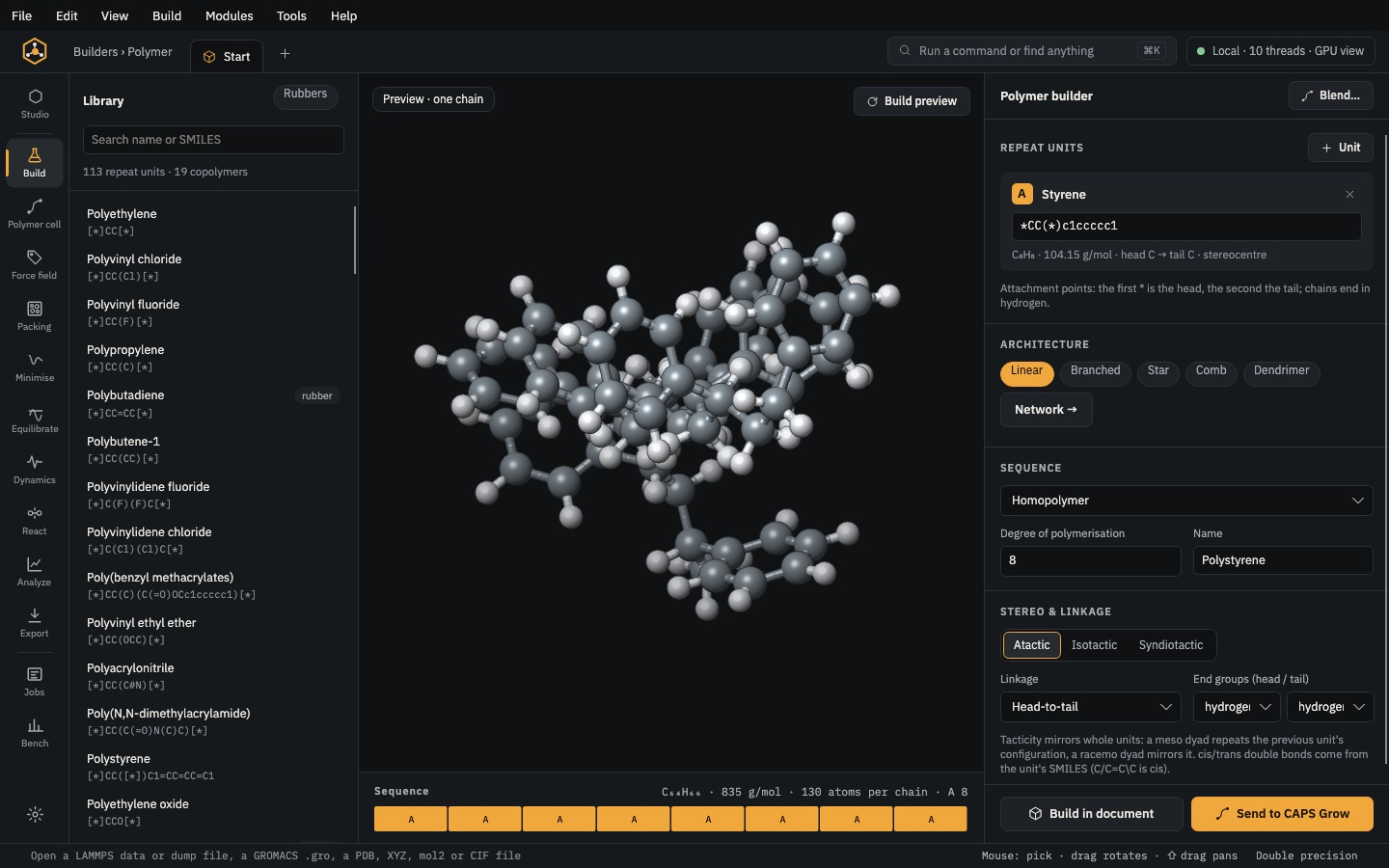
Where every structure opens: a 3D view with editing tools, the project tree, the inspector, file checks and quick analysis of the frame shown. The module bar along the top takes you to every other page.
Open it Top bar›Studio
- You start with
- Any structure you built or opened.
- You get
- Edits, selections, measurements, saved files and figures.
Step by step
Find your way
The module bar along the top runs in working order: Studio · Build, Polymer cell, Packing · Force field, Minimise, Equilibrate, Dynamics, React · Analyze, Export · Jobs, Bench. The gear opens Settings.
Press ⌘K (Ctrl+K) to find any page, builder or command by name.
Follow the pipeline strip
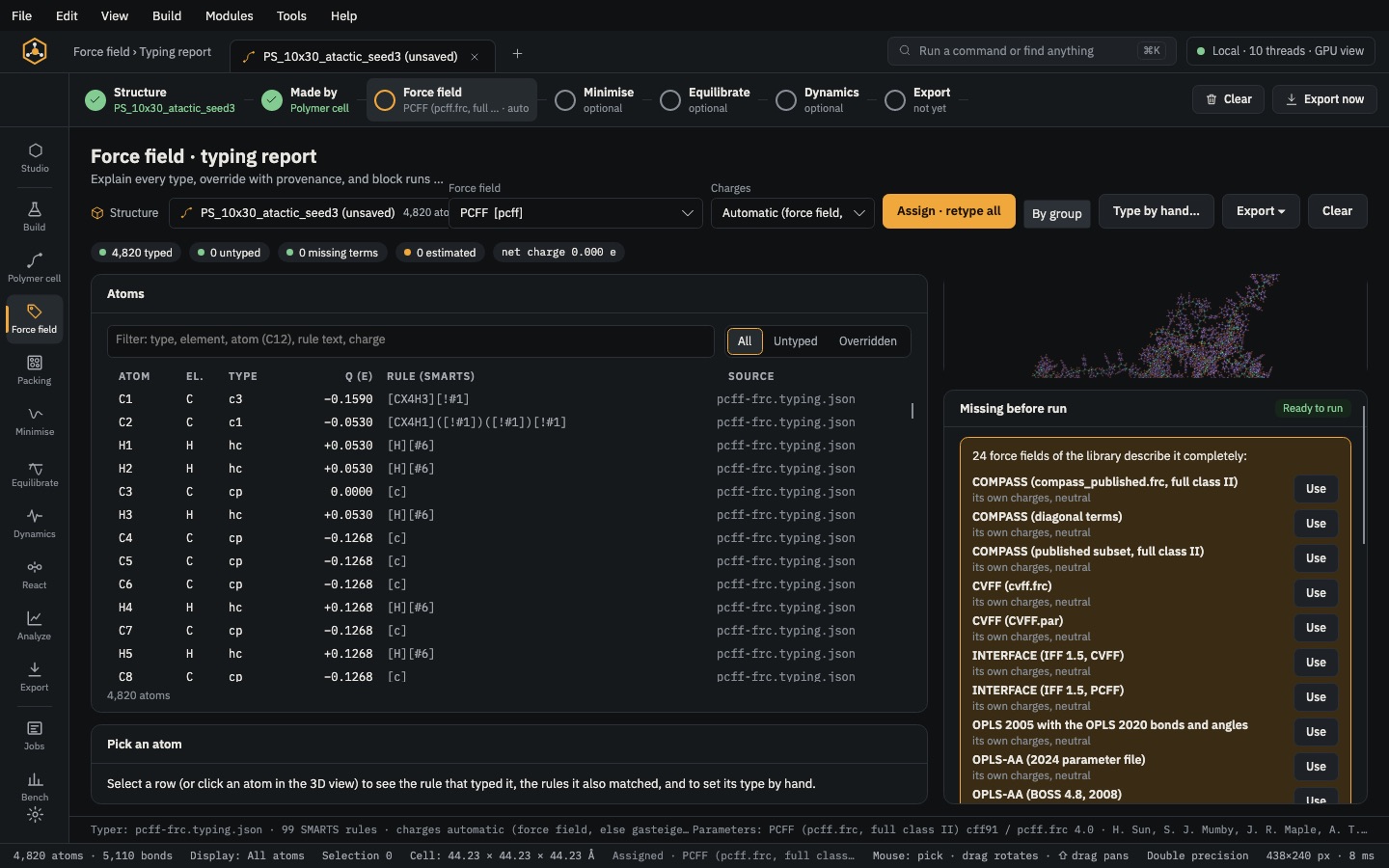
Structure → Made by → Force field → Minimise → Equilibrate → Dynamics → Export. A step turns green when done; click any step to go to its page. Minimise, Equilibrate and Dynamics are optional.
Look and edit
Click an atom to pick it, drag to rotate, ⇧-drag to pan. The toolbar selects, moves, rotates, draws bonds, adds hydrogens and rings, measures and colours.
Each open structure has its own tab; + opens another.
Use the project tree
Every structure in the project, with Edit (reopens the builder that made it, with its settings), Delete (twice to confirm; files on disk stay) and Copy structure to try a change on a duplicate.
Check and save
Validation › All checks… lists every file check. The File tab saves as LAMMPS data, PDB, XYZ, mol2, CIF or a VASP POSCAR.
Quick analysis
The bottom tabs analyse the frame shown: g(r), Minimisation, Thermo, Molecules, Network, Around atom, Chains.
The same without the Studio
Every Studio page calls the same core as the caps command and the caps Python package, so a step you clicked can be repeated in a script.
caps check cell.data --report checks.md
caps render cell.data -o cell.png --style ball --colour molecule
caps convert cell.data cell.pdb
import caps
d = caps.open("cell.data")
print(d.checks())
d.render("cell.png", style="ball_and_stick")
d.save("cell.pdb")