Build · module 05
Polymer cell
CAPS Grow builds an amorphous periodic cell: chains grown one unit at a time without overlaps, at the density, shape and tacticity you set, with the force field assigned the moment growth finishes.
Open it Top bar›Polymer cell
- You start with
- A polymer from the Polymer builder (polystyrene by default).
- You get
- A periodic cell (LAMMPS data, PDB or XYZ), typed if you chose a force field.
Step by step
Set the components
Each polymer with its number of chains (10), DP (8) and dispersity Đ. Choose polymer… opens the Polymer builder to add or change one.
Choose the force field
Pick it under Force field and keep Assign when growing finishes on. Compare all force fields shows which force fields cover the polymer.
Set the cell
Size from a density (0.4–0.6 g/cm³ grows easily; compress it later in Minimise) or a box. Shape: cubic periodic, a slab with vacuum, a cylinder pore, or around a fibre. Tacticity, seed and contact scale.
Choose the growth method
Self-avoiding growth (the roomiest trial), Rosenbluth with soft spheres, or configurational-bias growth with Lennard-Jones.
Press Grow cell
The live counters show chains grown, units placed, restarts, the closest contact margin, the density and the elapsed time.
Keep the recipe
Save recipe writes a YAML you can rerun with
caps run; Copy as Python (or Copy caps command) gives the same build as a script. Save cell… writes the cell.
The same without the Studio
Every Studio page calls the same core as the caps command and the caps Python package, so a step you clicked can be repeated in a script.
caps grow -o ps.data --chains 10 --dp 30 --density 0.6 \
    --units '*CC(*)c1ccccc1' --tacticity atactic --seed 1
import caps
d = caps.polymer("*CC(*)c1ccccc1", dp=30, chains=10, density=0.6, seed=1)
d.field.assign("pcff")
d.save("ps.data")Where to go next
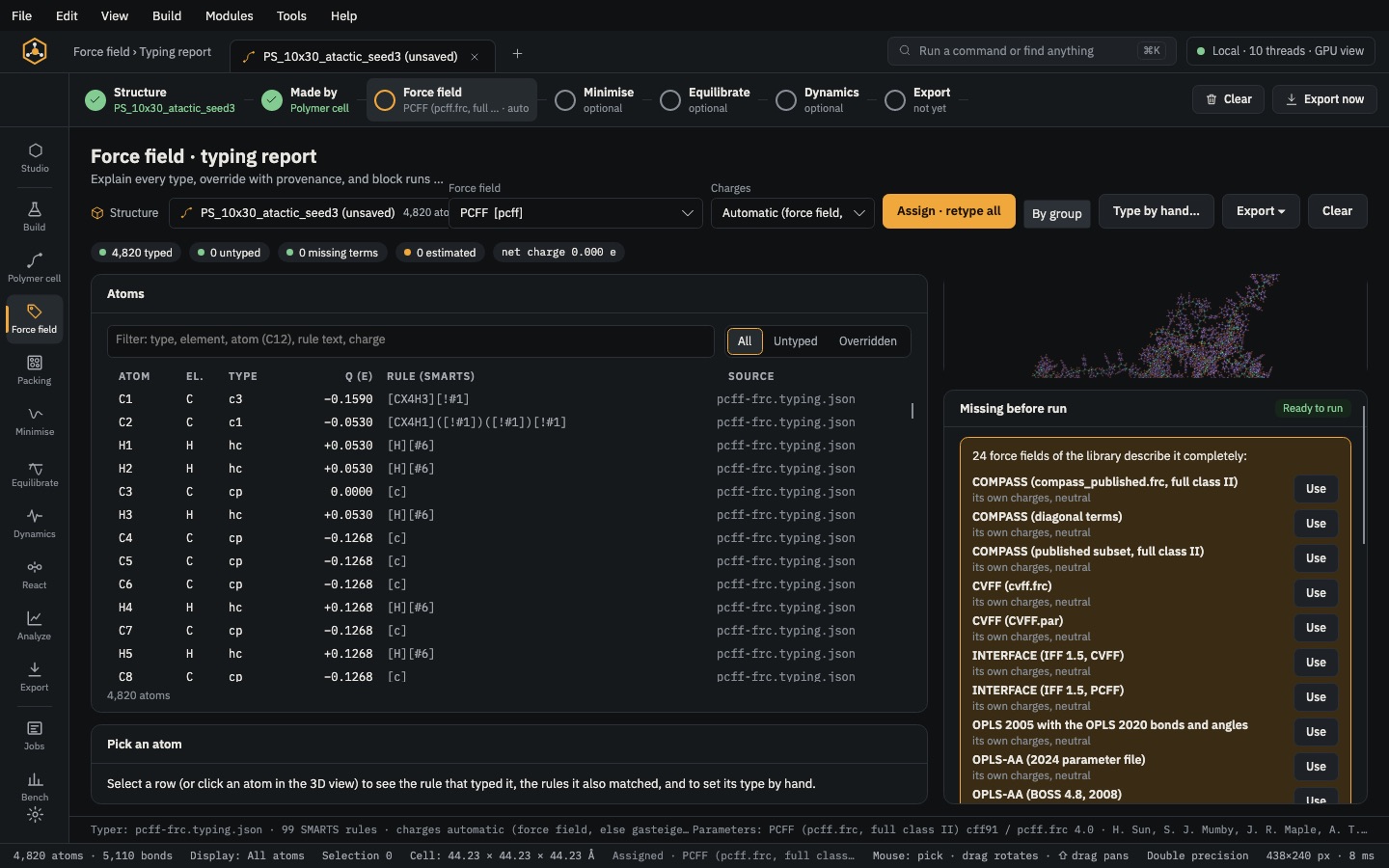 PrepareForce fieldType every atom from SMARTS rules, set charges, fill any missing term and give each part of a composite its own force field.
 PrepareMinimiseRemove close contacts, compress a low-density cell to its target and relax the box.