Prepare · module 15
Equilibrate
Bring a cell to its equilibrium density and chain dimensions with a published protocol, and keep running until the properties you care about have converged.
Open it Top bar›Equilibrate
- You start with
- A minimised structure with a force field.
- You get
- An equilibrated cell, live density, energy and Rg curves, convergence criteria and a report.
Step by step
Pick a protocol
Larsen et al. 21-step (2011) (the default) compresses and decompresses between T max / P max and your targets; Simulated annealing cycles between T low and T high; MD push-off separates overlaps; Custom (edit the text) lets you write the stages yourself.
Set the targets
T final 300 K, T max 600 K, P final 1 atm. Time × stretches or shortens every stage. The stages are listed, editable, under Stages (editable text).
Ask for convergence
Switch on Production blocks until converged: CAPS adds 20 ps blocks (up to 20) until density, energy and Rg stop drifting.
Optionally require the mean-square internal distances to converge too, to RIS polyethylene or a curve from a file.
Long chains: regrow the ends
Chain ends · configurational-bias Monte Carlo → Regrow chain ends relaxes chain conformations faster than MD alone.
Press Equilibrate
Watch the plots and the Criteria panel. Accept now keeps the current state; Save trajectory… writes the frames.
The same without the Studio
Every Studio page calls the same core as the caps command and the caps Python package, so a step you clicked can be repeated in a script.
caps equilibrate cell_min.data -o cell_eq.data --protocol larsen21 \
    --tfinal 300 --pfinal 1 --until-converged --log thermo.csv
import caps
d = caps.open("cell_min.data")
ok = d.equilibrate("larsen21", temperature=300, pressure=1, until_converged=True)
d.save("cell_eq.data")Where to go next
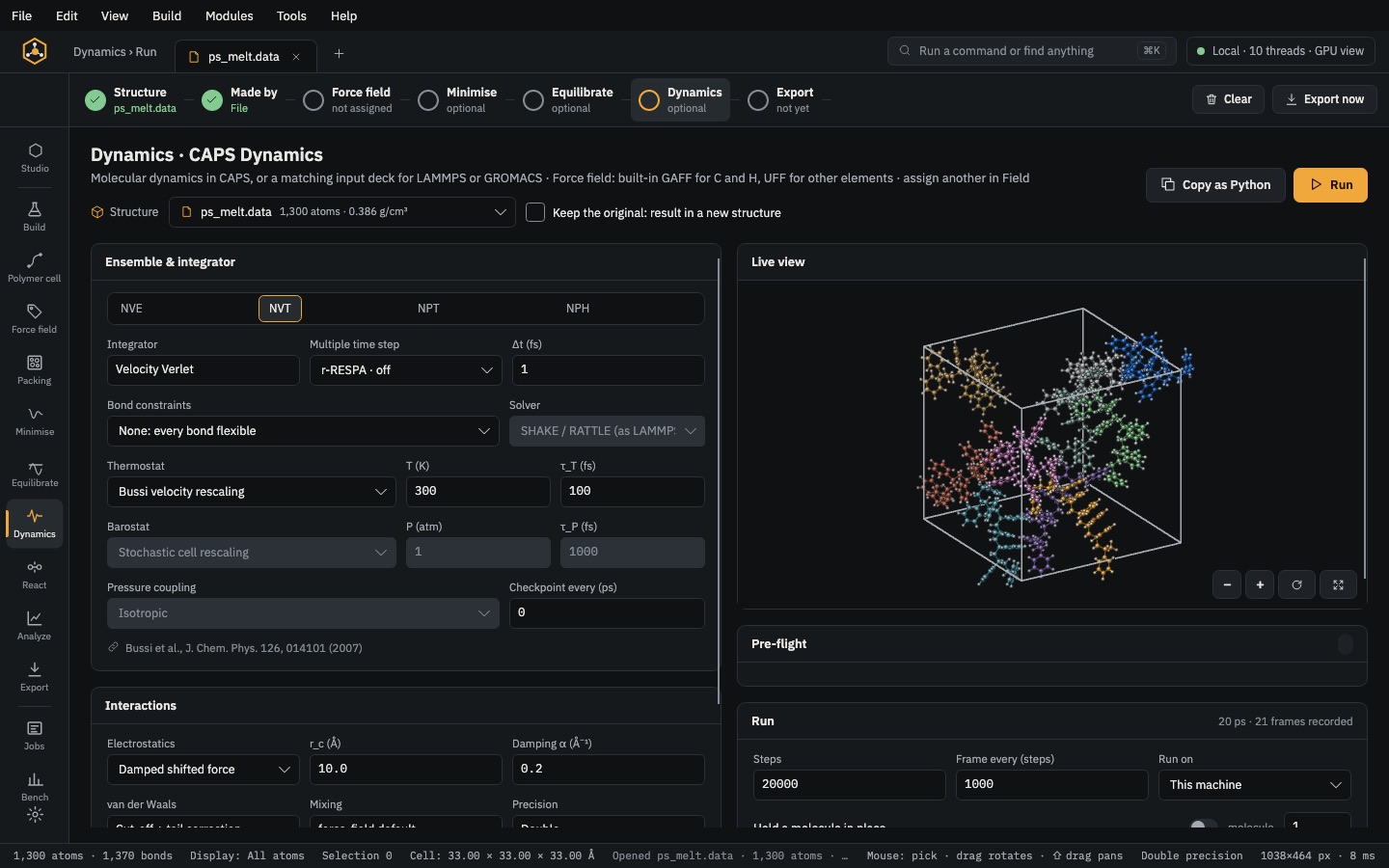 RunDynamicsNVE, NVT, NPT or NPH molecular dynamics in CAPS, with live snapshots, or a LAMMPS / GROMACS deck.
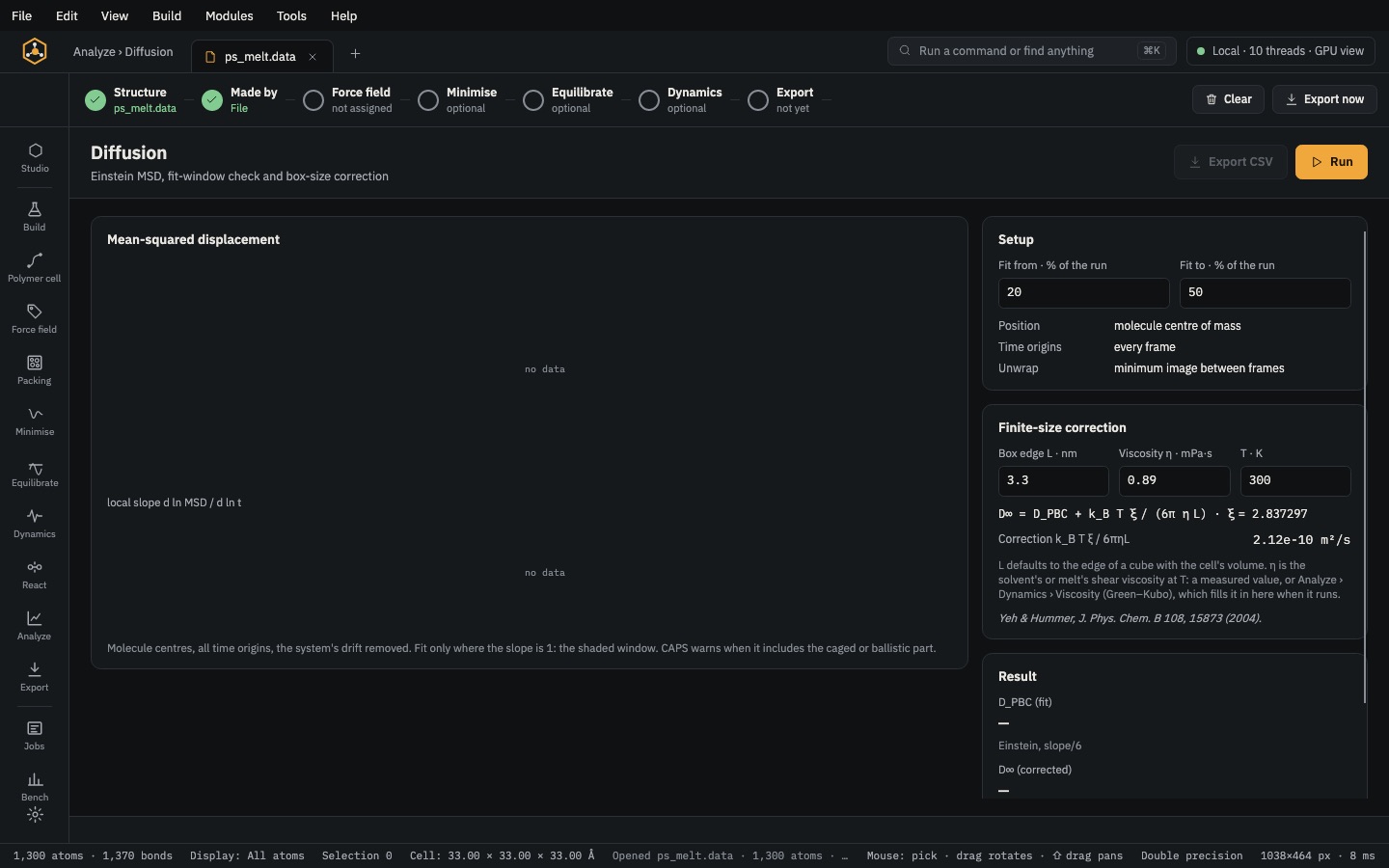 Analyse & exportAnalyzeDensity, g(r), chain statistics, Tg, moduli, diffusion, free volume, interfaces and crosslink density — each with CSV.