Run · module 17
Coarse-grained
Reach long times and large cells with bead models: a generic Kremer–Grest melt, MARTINI with published bead types, or a model derived from an all-atom melt of your own polymer.
Open it Build›Coarse-grained melt…
- You start with
- A polymer from the library, or an all-atom cell (and its trajectory) already open.
- You get
- A coarse-grained melt with its bonded and pair potentials, a LAMMPS deck, and a backmapped all-atom cell.
Step by step
Pick the model
Kremer–Grest: generic FENE + WCA beads for polymer physics. MARTINI: about four heavy atoms per bead, published types. From a polymer: your polymer's own beads.
From a polymer: choose the mapping
One bead per repeat unit (the common 1:1 model), two beads per unit (backbone + side group), or n backbone atoms per bead (for example 3:1 for polyethylene).
Let CAPS derive the beads
CAPS grows an all-atom reference melt, maps every frame to beads, and fits harmonic bonds and angles by Boltzmann inversion and a repulsive WCA with σ from the bead g(r).
Already have an all-atom run? Map the open all-atom structure (every frame) uses it instead.
Run or export
Run the melt in CAPS or write the LAMMPS deck. The model is repulsive only: a starting point for iterative Boltzmann inversion (IBI), which adds the attractions.
Back to atoms
Backmap the open melt rebuilds an all-atom cell when you need atomistic detail.
The same without the Studio
Every Studio page calls the same core as the caps command and the caps Python package, so a step you clicked can be repeated in a script.
# chemistry-aware mapping, bonded fits, a CG melt, then back to atoms
caps cgmap aa.data --preset ester-cut -o cg/ --dump aa.lammpstrj
caps cgfit bonded --help
caps cgbuild --units BS=B+S --dp 100 --chains 50 --bonded cg/ --maps cg/map.json -o melt/
caps backmap cg/map.json aa.data --cg melt/map.json --frame melt/last.data -o back/
from caps import build
kg = build.kremer_grest(chains=50, beads=100, density=0.85)
kg.export_engines("kg", stem="melt", gromacs=False)
ps = build.cg_from_polymer("*CC(*)c1ccccc1", name="PS", scheme="unit", chains=10, dp=20)Where to go next
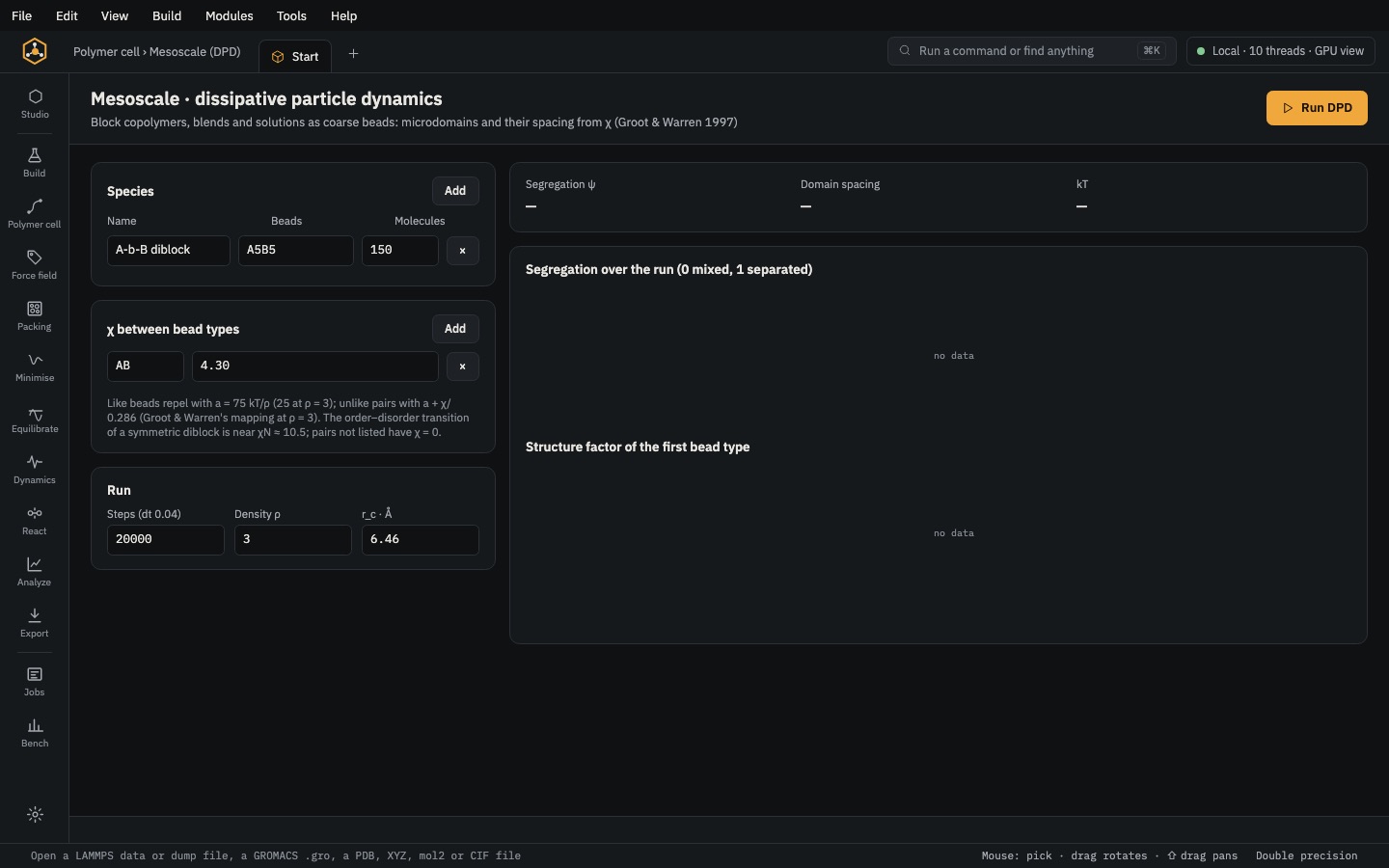 RunDPDDissipative particle dynamics for phase separation, lamellae and domains in blends and block copolymers.
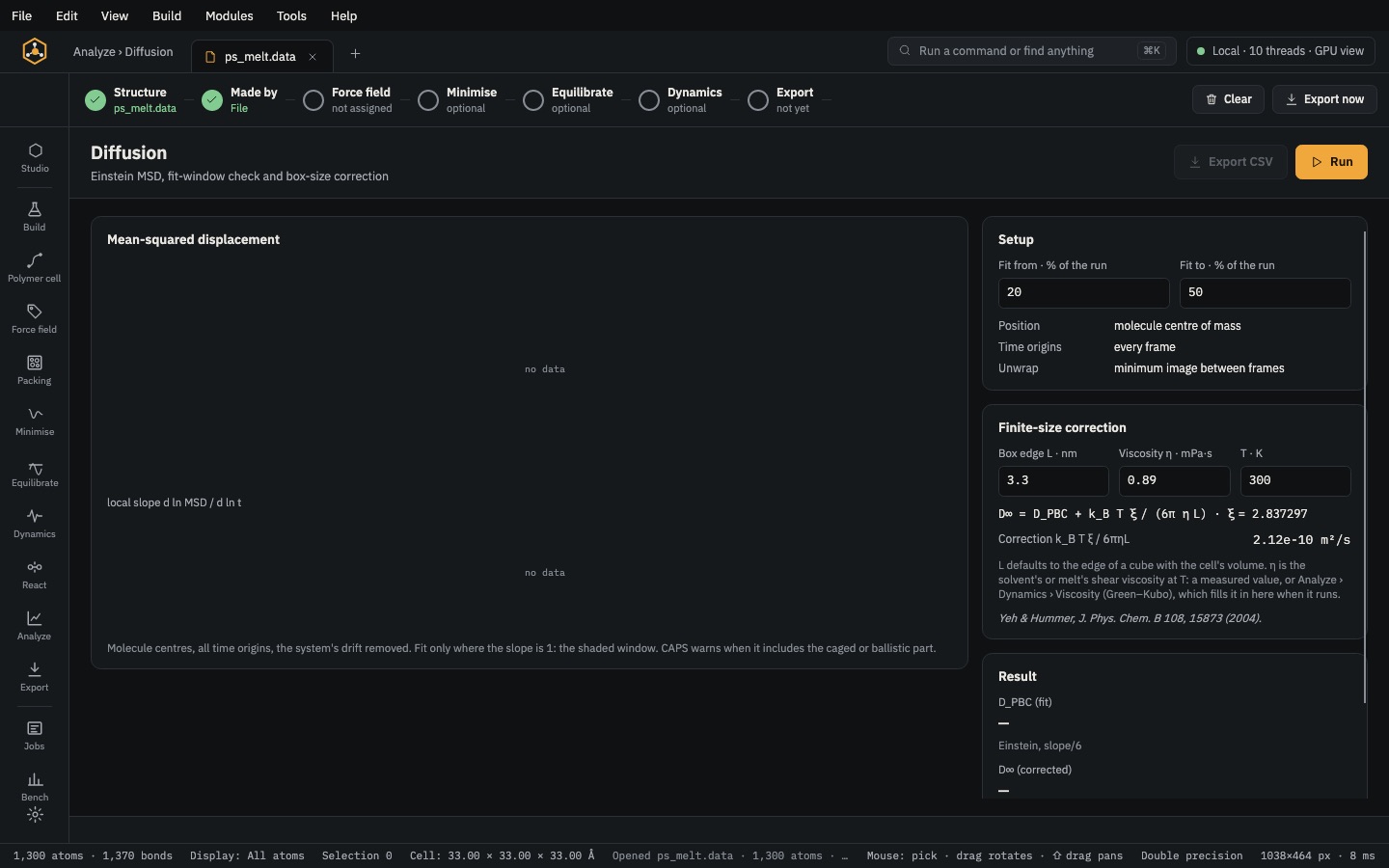 Analyse & exportAnalyzeDensity, g(r), chain statistics, Tg, moduli, diffusion, free volume, interfaces and crosslink density — each with CSV.