Prepare · module 14
Minimise
Energy minimisation with CAPS Relax: L-BFGS, conjugate gradient, steepest descent or FIRE, with a soft-core push-off for freshly built cells and optional compression to a target density.
Open it Top bar›Minimise
- You start with
- A structure with a force field assigned (otherwise the built-in GAFF).
- You get
- A relaxed structure, energy and max-force curves, and the criterion that stopped each stage in the report.
Step by step
Choose the method
L-BFGS is the default and the fastest in most cases; FIRE is robust for very strained cells.
Set the push-off and the cell
Keep Soft-core push-off before minimising on for a grown or packed cell: it caps the force (500 kcal/mol/Å) while overlaps separate.
Compress to a target density brings a 0.6 g/cm³ grown cell up to, for example, 1.05 g/cm³ in steps of 0.06.
Relax the box towards a pressure: isotropic, each axis, only z (a film or slab) or only x and y.
Hold what must not move
Under Constraints & restraints: Hold a molecule in place (a substrate), Hold selection along x, y or z, or restraints between atoms with Add measured.
Set when to stop
Any of: |F|max below 0.5 kcal/mol/Å, 5000 iterations per stage, a relative ΔE per step, or a box stress below 100 atm.
Press Minimise
Energy and max force are plotted live. Cancel stops it; Queue runs it as a job; Copy as Python gives the same call as a script.
The same without the Studio
Every Studio page calls the same core as the caps command and the caps Python package, so a step you clicked can be repeated in a script.
caps relax cell.data -o cell_min.data --method lbfgs --ftol 0.5 \
    --density 1.05 --step 0.06
import caps
d = caps.open("cell.data")
d.relax(ftol=0.5, method="lbfgs", density=1.05)
d.save("cell_min.data")Where to go next
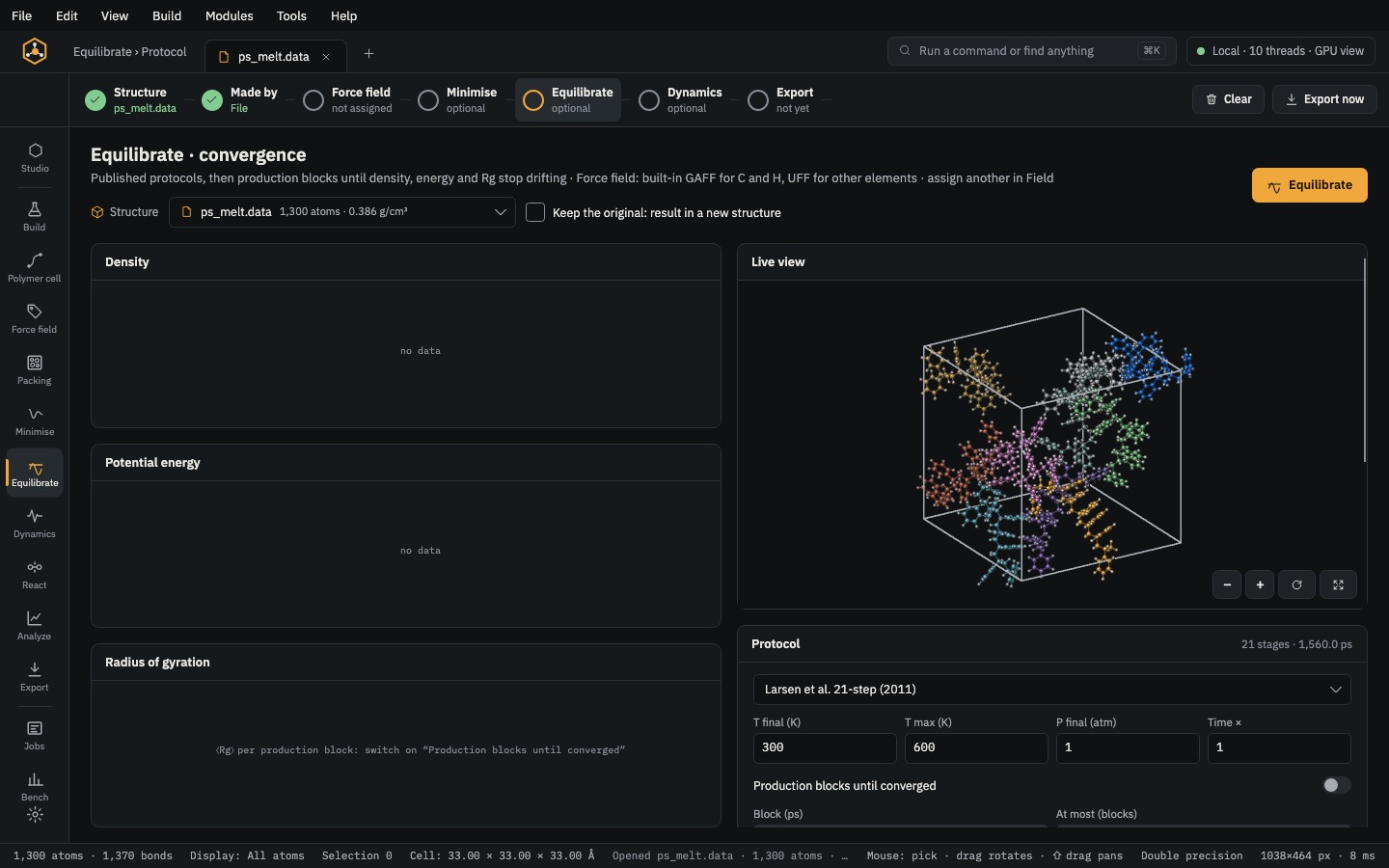 PrepareEquilibrateRun a published protocol such as Larsen's 21 steps, then production blocks until density, energy and Rg stop drifting.
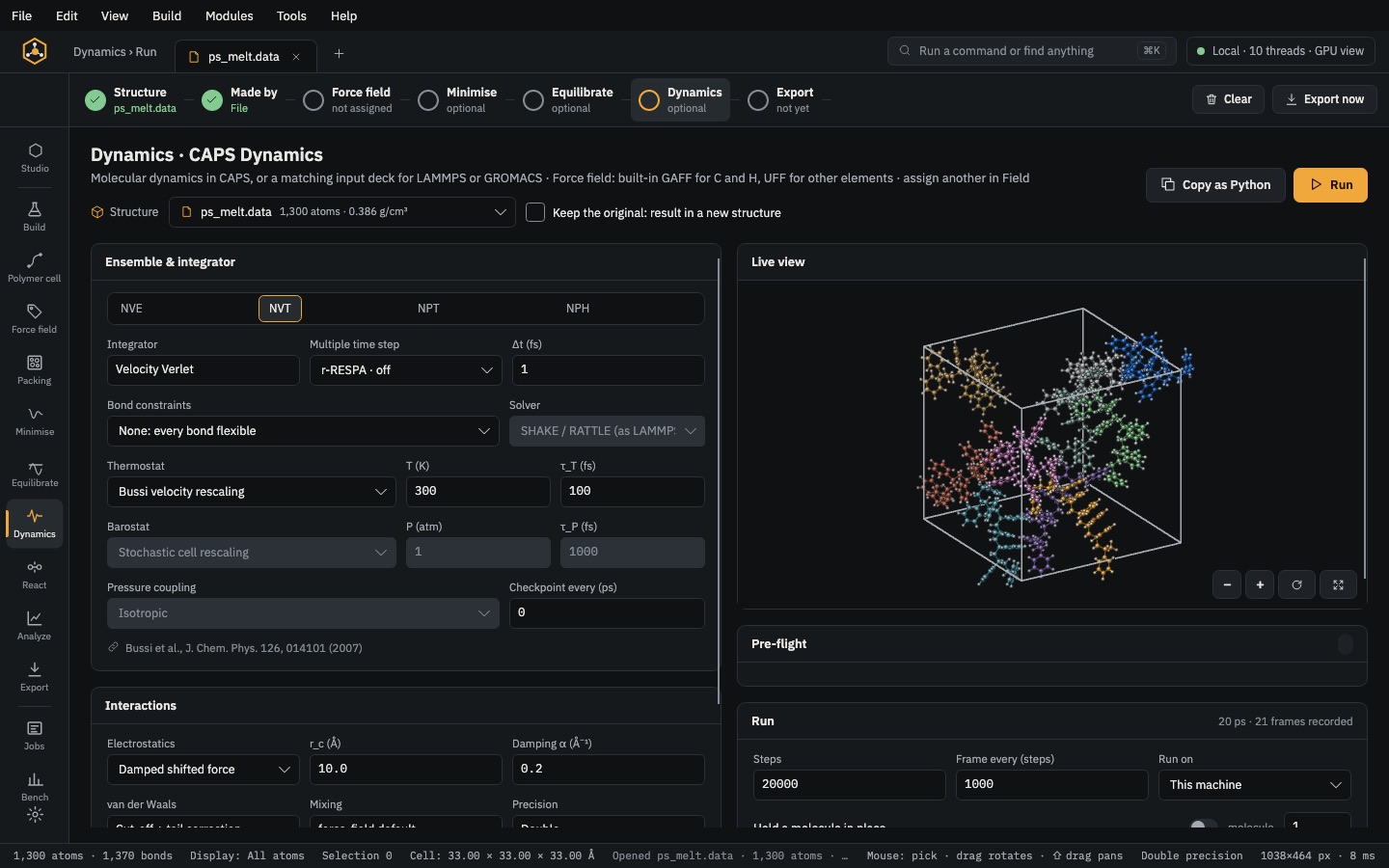 RunDynamicsNVE, NVT, NPT or NPH molecular dynamics in CAPS, with live snapshots, or a LAMMPS / GROMACS deck.