Build · module 03
Molecule builder
Sketch a molecule or type its SMILES and CAPS builds 3D coordinates and conformers, cleaned up with a force field. Use it for monomers, curatives, solvents, plasticisers and small additives.
Open it Build›Molecule builder…
- You start with
- A SMILES string or a 2D sketch.
- You get
- A 3D molecule (several conformers if you ask), ready for Packing, the Polymer builder or the Studio.
Step by step
Draw or type
Sketch with the draw, ring and charge tools and the element buttons (C, N, O, S, F, Cl, Br, P, I, Si), or type the SMILES under Identifiers. Properties update: formula, molecular weight, stereocentres and a valence check.
Set the 3D embedding
Method Distance bounds (default) or with a rotor search; conformers 1–50 (default 5); clean up with GAFF2 or UFF (every element); hydrogens added from valences, or as written for united-atom models.
Pick a conformer
The Conformers table lists each one by relative energy, lowest first.
Send it on
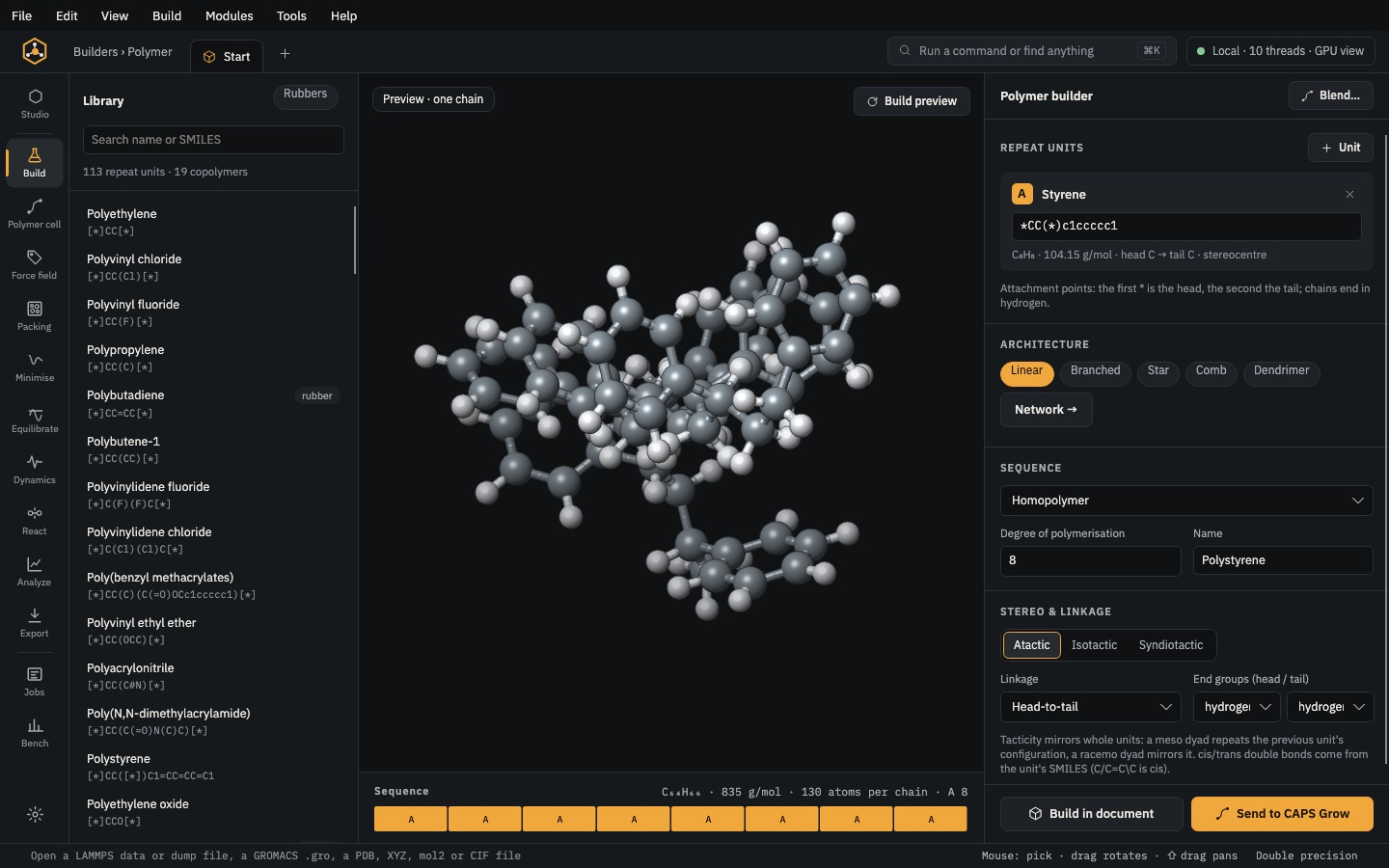
Open in Studio; Use in Pack to fill a box with it; Use as repeat unit when the SMILES has two
*(it becomes unit A of the Polymer builder); or Insert into document.
The same without the Studio
Every Studio page calls the same core as the caps command and the caps Python package, so a step you clicked can be repeated in a script.
caps build 'C=Cc1ccccc1' -o styrene.mol2 --conformers 5 --ff ufffrom caps import build
m = build.smiles("C=Cc1ccccc1", forcefield="uff", conformers=5)
m.save("styrene.mol2")