Run · module 16
Dynamics
Run molecular dynamics directly in CAPS with modern thermostats and barostats, bond constraints and multiple time steps — or write the same run as a deck for LAMMPS or GROMACS.
Open it Top bar›Dynamics
- You start with
- A structure with a force field, usually minimised or equilibrated.
- You get
- A trajectory, thermodynamic log and the final state; or input decks for another engine.
Step by step
Choose the ensemble and time step
NVE, NVT (default), NPT or NPH; Δt 1 fs. For 2 fs, constrain bonds to hydrogen (SHAKE, RATTLE (as LAMMPS) or LINCS (as GROMACS)) or use r-RESPA.
Set the thermostat and barostat
Thermostat: Bussi velocity rescaling (default), Langevin (BAOAB) or Nosé–Hoover chain; T 300 K, τ_T 100 fs.
Barostat: Stochastic cell rescaling (default), Berendsen (early relaxation only) or MTK; P 1 atm, τ_P 1000 fs; coupling isotropic, per axis, only z, only x and y, or full shape.
Check the interactions
Electrostatics by damped shifted force or particle-mesh Ewald, the cut-off, and the mixing rule (the force field's own by default).
Set the length and the output
Steps 20 000, a frame every 1000 steps, a checkpoint interval, and Run on: this machine or a host from Settings.
Press Run
Snapshots and thermodynamics update live; Stop or pause at any time and continue later.
Prefer another engine? Under Export to other engines pick LAMMPS, GROMACS or both and press Save input deck….
The same without the Studio
Every Studio page calls the same core as the caps command and the caps Python package, so a step you clicked can be repeated in a script.
caps md cell_eq.data -o cell_md.data --steps 20000 --dt 1 --temp 300 \
    --thermostat bussi --barostat crescale --pressure 1 \
    --dump traj.lammpstrj --every 1000 --log thermo.csv
import caps
d = caps.open("cell_eq.data")
d.md(steps=20000, dt=1.0, temperature=300, thermostat="bussi",
barostat="crescale", pressure=1.0, frame_every=1000)
d.save_trajectory("traj.lammpstrj")Where to go next
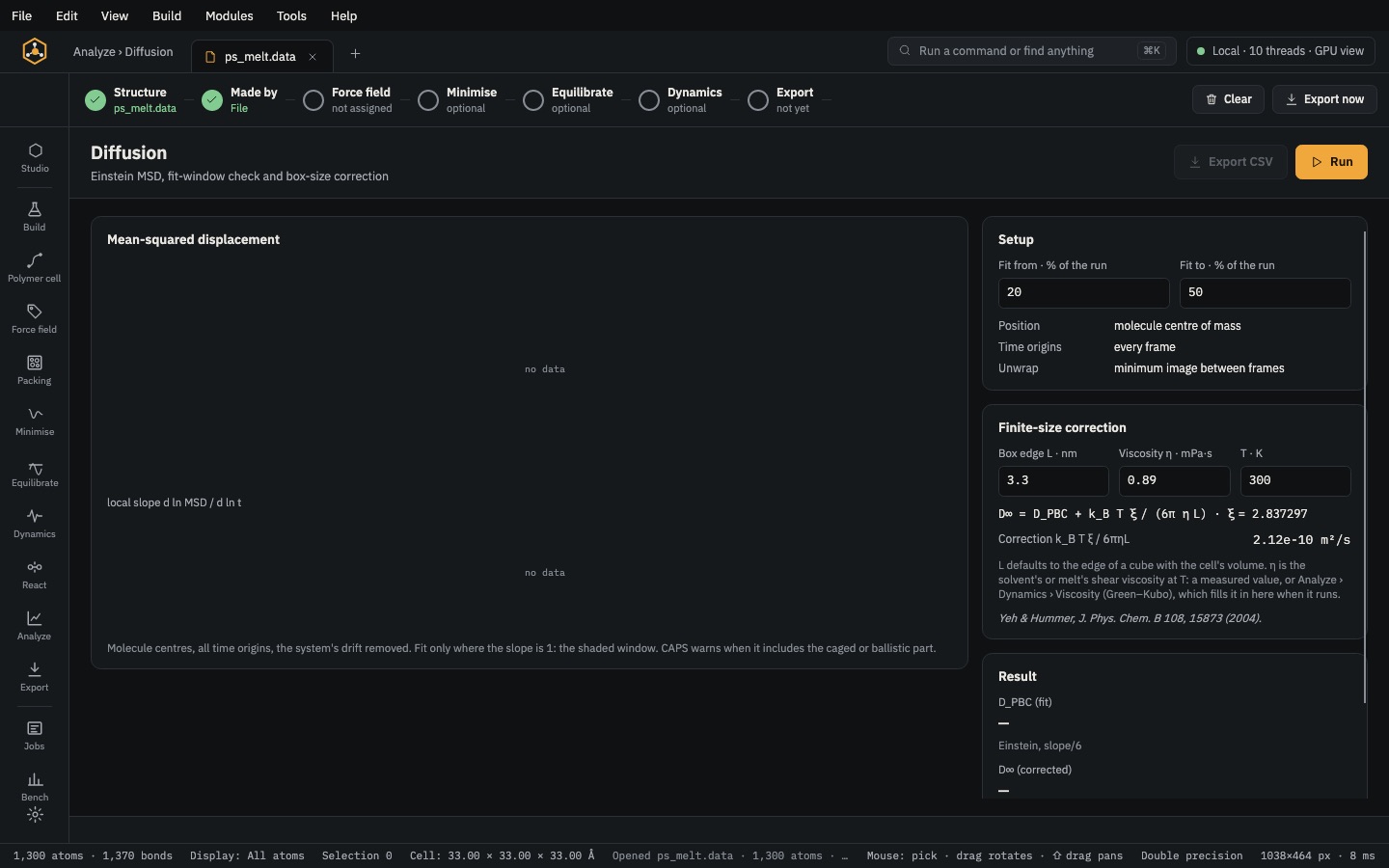 Analyse & exportAnalyzeDensity, g(r), chain statistics, Tg, moduli, diffusion, free volume, interfaces and crosslink density — each with CSV.
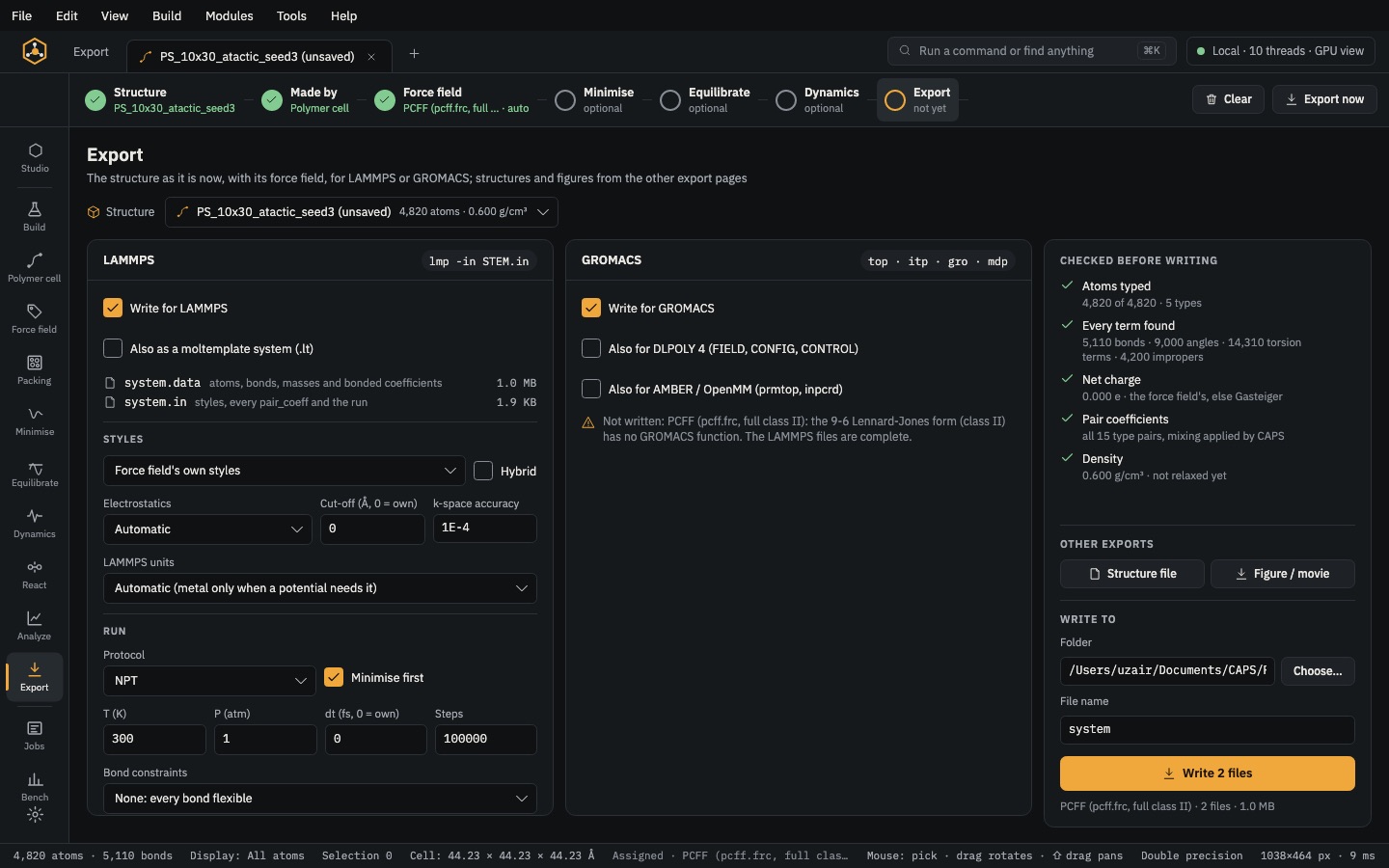 Analyse & exportExportLAMMPS, GROMACS, DL_POLY 4, AMBER/OpenMM and moltemplate decks, checked before they are written.