Analyse & export · module 22
Analyze
Measure what you built: structure, chain statistics, thermodynamics, mechanics, dynamics, free volume, interfaces and rubber networks, from one frame or a whole trajectory, with error bars and fits.
Open it Top bar›Analyze
- You start with
- A structure or a trajectory (CAPS's own, or LAMMPS, GROMACS, AMBER).
- You get
- Result cards with curves and fits; CSV or LaTeX tables.
Step by step
Pick the calculations
Tick chips by group: Structure (density, RDF, S(q), X-ray, neutron), Chains (Rg, Ree, C∞, persistence, entanglements), Thermo (CED, δ, Tg), Mechanics (Cij, stress–strain, creep), Dynamics (MSD, D, viscosity), Free volume, Interface (z profile, adhesion, pull-out) and Rubber network (crosslink density, H-bonds).
Choose the frames
Under Source: the trajectory, first and last frame, every n-th, and the time per frame.
Adjust the settings
The g(r) pair, only between molecules, the probe radius for free volume, the MSD fit window, and blocks for the protocols that run (cooling for Tg, deformation, pull test).
Press Run selected
Each result is a card with its value, error and curve. Compare with overlays reference data; Export CSV / LaTeX… writes the tables.
Dedicated pages for the big ones
Glass transition: cooling from 500 K to 200 K in 20 K steps, 100 ps NPT each, Tg from a two-line fit (Run cooling).
Diffusion: the MSD with its fit window and the Yeh–Hummer box-size correction.
Mechanics: uniaxial tension and the stiffness matrix. All under Modules › Analysis.
The same without the Studio
Every Studio page calls the same core as the caps command and the caps Python package, so a step you clicked can be repeated in a script.
caps analyze traj.lammpstrj --topology cell.data \
    --props density,rdf,rg,msd,diffusion --csv results/
caps tg cell.data -o tg.data --from 500 --to 200 --step 20 --ps 100 --csv tg/
caps tensile cell.data -o strained.data --axis x --rate 1e-3 --strain 0.2
import caps
d = caps.open("traj.lammpstrj", topology="cell.data")
for r in d.analyze("density,rdf,rg"):
print(r["name"], r["value"], r.get("error"), r["unit"])Where to go next
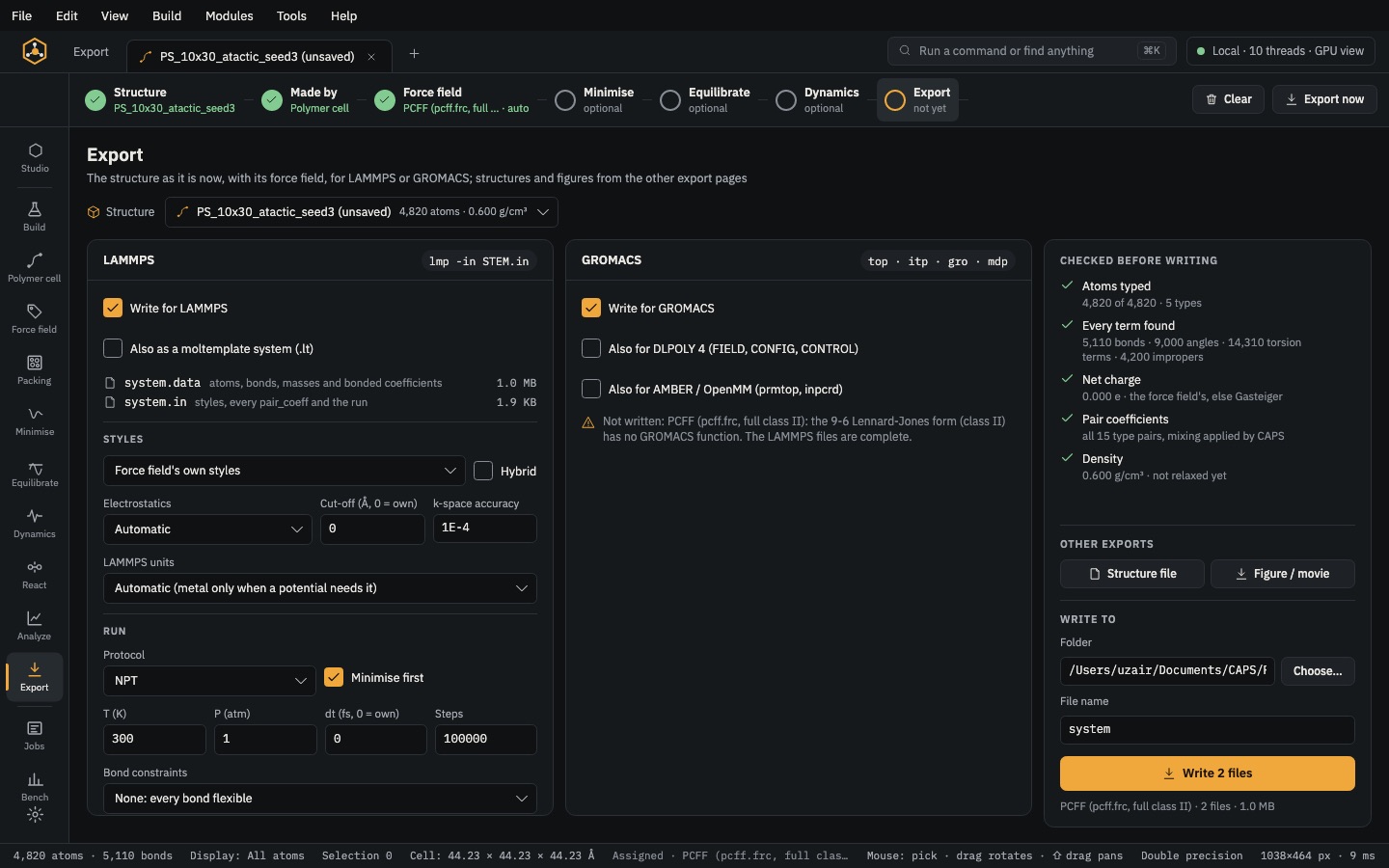 Analyse & exportExportLAMMPS, GROMACS, DL_POLY 4, AMBER/OpenMM and moltemplate decks, checked before they are written.
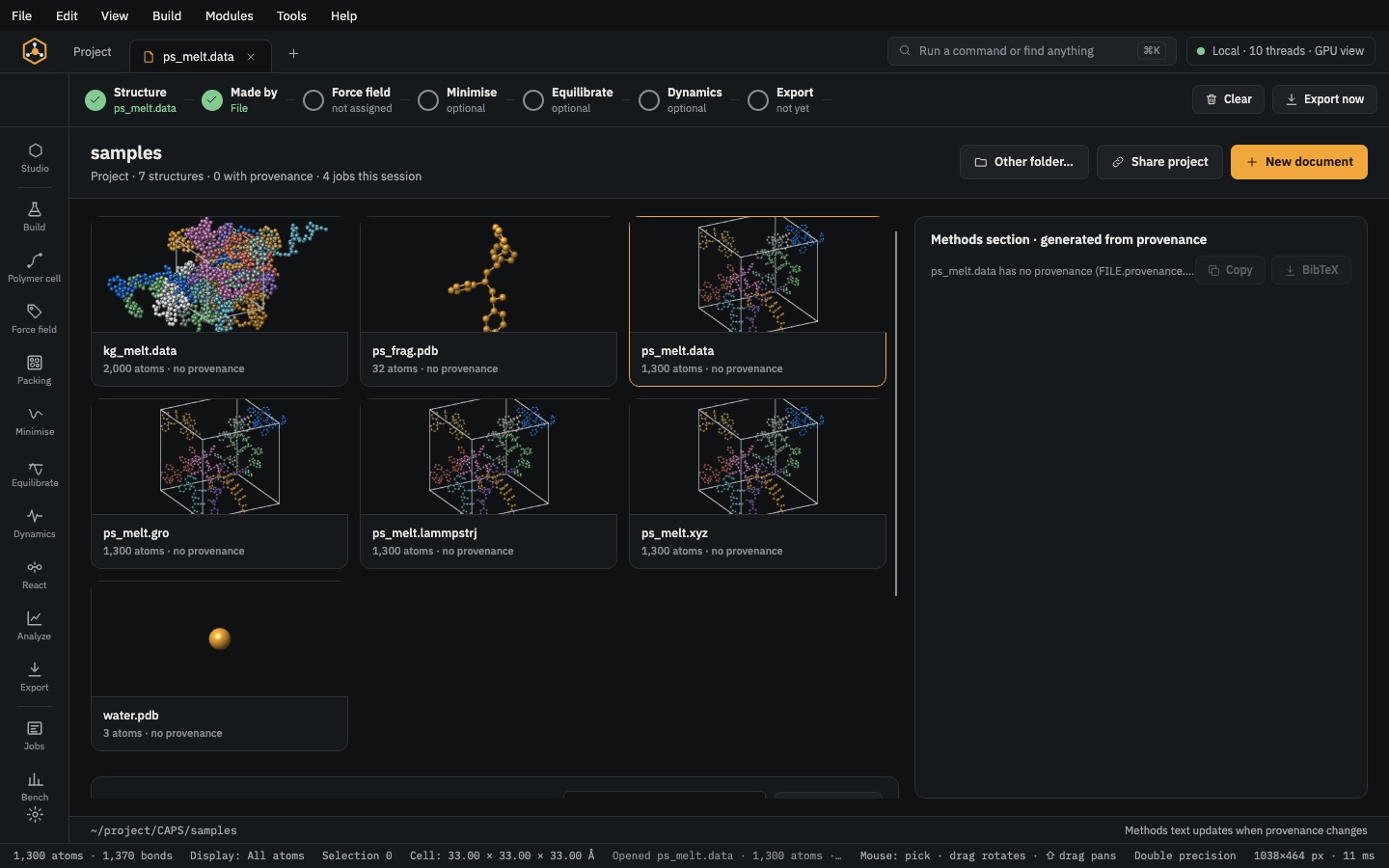 Analyse & exportProject & methodsA results table for every structure and a methods section with BibTeX, written from provenance.