Build · module 07
Packing
CAPS Pack fills an empty box, or the free space around the current structure, with molecules in regions you define, so that no two atoms of different molecules are closer than the tolerance. Packmol inputs open too.
Open it Top bar›Packing
- You start with
- Molecules (SMILES, files, curatives, solvents) and optionally a structure to pack around.
- You get
- A packed periodic cell, ready to type, minimise or export.
Step by step
Choose what to pack into
An empty box, or Around the current structure — the structure is kept fixed and molecules fill its cell (solvent in a polymer, gas in a pore).
Add the molecules
Add molecule: from a SMILES, your molecules, rubber curatives and additives, solvents, or a file (pdb, mol2, xyz, data, gro). Set the number of copies of each.
Add regions (optional)
Add region: a box, a slab between two planes, a sphere or a cylinder, to put molecules where you want them.
Set the objective
Tolerance d_tol 2.0 Å. Fill to a density… sets the count for you; optionally compress the cell afterwards.
Press Pack
The report shows convergence and the guarantee: the smallest distance now against the target. Then Export to LAMMPS / GROMACS…, or minimise and run dynamics first.
The same without the Studio
Every Studio page calls the same core as the caps command and the caps Python package, so a step you clicked can be repeated in a script.
caps pack mixture.inp -o mixture.data # packmol-style inputimport caps
box = caps.pack([("CCO", 50), ("O", 200)], box=30.0, tolerance=2.0)
box.save("mixture.data")Where to go next
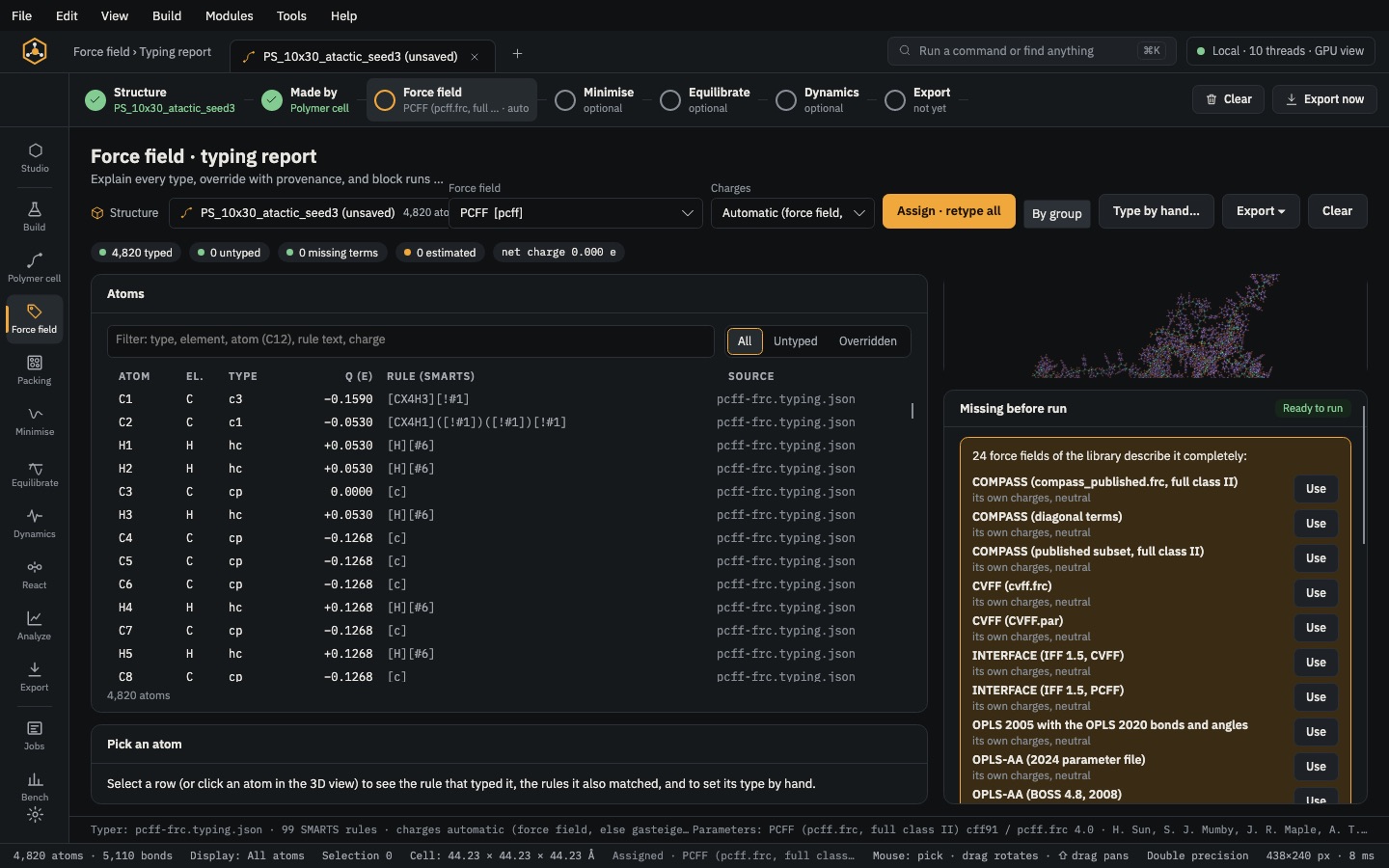 PrepareForce fieldType every atom from SMARTS rules, set charges, fill any missing term and give each part of a composite its own force field.
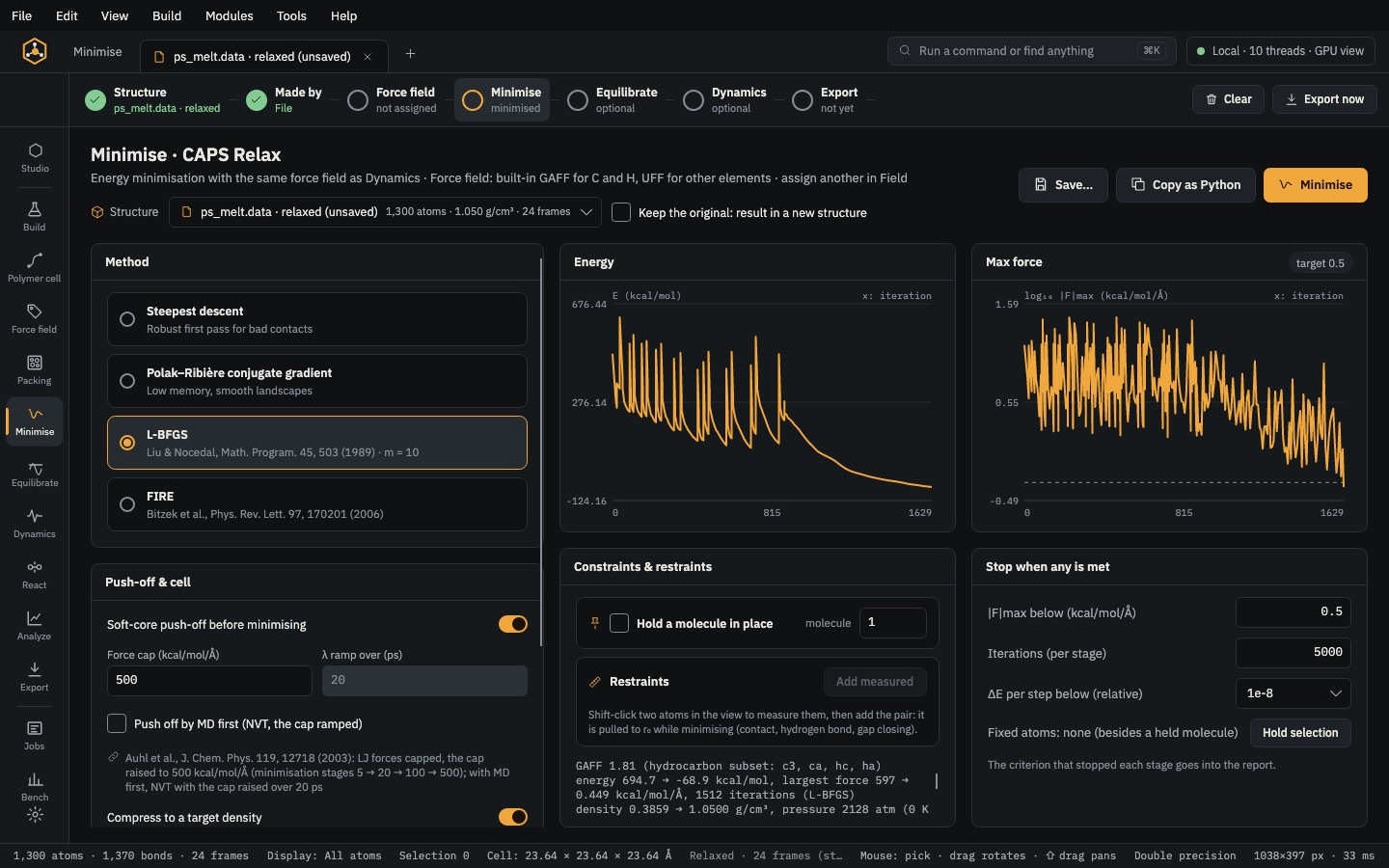 PrepareMinimiseRemove close contacts, compress a low-density cell to its target and relax the box.