Prepare · module 13
Force field
Assign atom types, charges and parameters from the force field you choose (PCFF, COMPASS, OPLS-AA, GAFF, CVFF, UFF and more). CAPS never guesses a parameter: anything missing is listed before you can run.
Open it Top bar›Force field
- You start with
- Any structure with bonds: a grown cell, a crystal, a PDB with CONECT, a mol2, a LAMMPS data file.
- You get
- Every atom typed and charged, a typing report, and a structure ready for Minimise, Dynamics and Export.
Step by step
Pick the force field and the charges
Choose it in Force field. Charges defaults to Automatic (force field, else Gasteiger); you can also take them from the force field, Gasteiger–Marsili, QEq, OPLS bond increments, or keep the file's own charges.
Press Assign · retype all
CAPS types every atom from its typing rules. The chips above the table give typed, untyped, missing terms, estimated terms and the net charge.
Check the atoms table
Filter by All, Untyped or Overridden. Click a row, or an atom in the Types in 3D view, to see the rule (SMARTS) that matched it.
To change one type, use Set type by hand → Set; Back to the rule undoes it.
Clear the Missing before run panel
Its badge reads Blocks Relax and Dynamics until every term exists, then Ready to run.
Which force fields describe this structure? lists the alternatives that cover everything, each with Use. Otherwise fill gaps with Fill gaps from… or Import parameters… (a published file), or Enter manually (estimated): hand-entered values are flagged as estimated in the report and in every file written.
Composites: one force field per part
Switch on By group, press Suggest groups (filler, polymer, blend components), choose a force field — or a literature potential such as Tersoff from a file — for each group, then Assign by group.
Set how cross pairs mix (Between groups · ε, σ, 1-4 pairs) or give pairs explicitly; CAPS writes the cross terms.
Go on, or export the typed cell
Continue to Minimise. Export ▾ also writes a LAMMPS data + input file, or a types file for
caps ff apply --types.
The same without the Studio
Every Studio page calls the same core as the caps command and the caps Python package, so a step you clicked can be repeated in a script.
# types from the rules, then the parameters and the decks
caps ff type cell.data --ff opls2005 -o types.txt --explain
caps ff apply cell.data --ff opls2005 --types types.txt \
    -o cell_ff.data --lammps-input cell.in --gromacs cell
import caps
d = caps.open("cell.data")
report = d.field.assign("pcff") # types, charges and every term
print(report)Where to go next
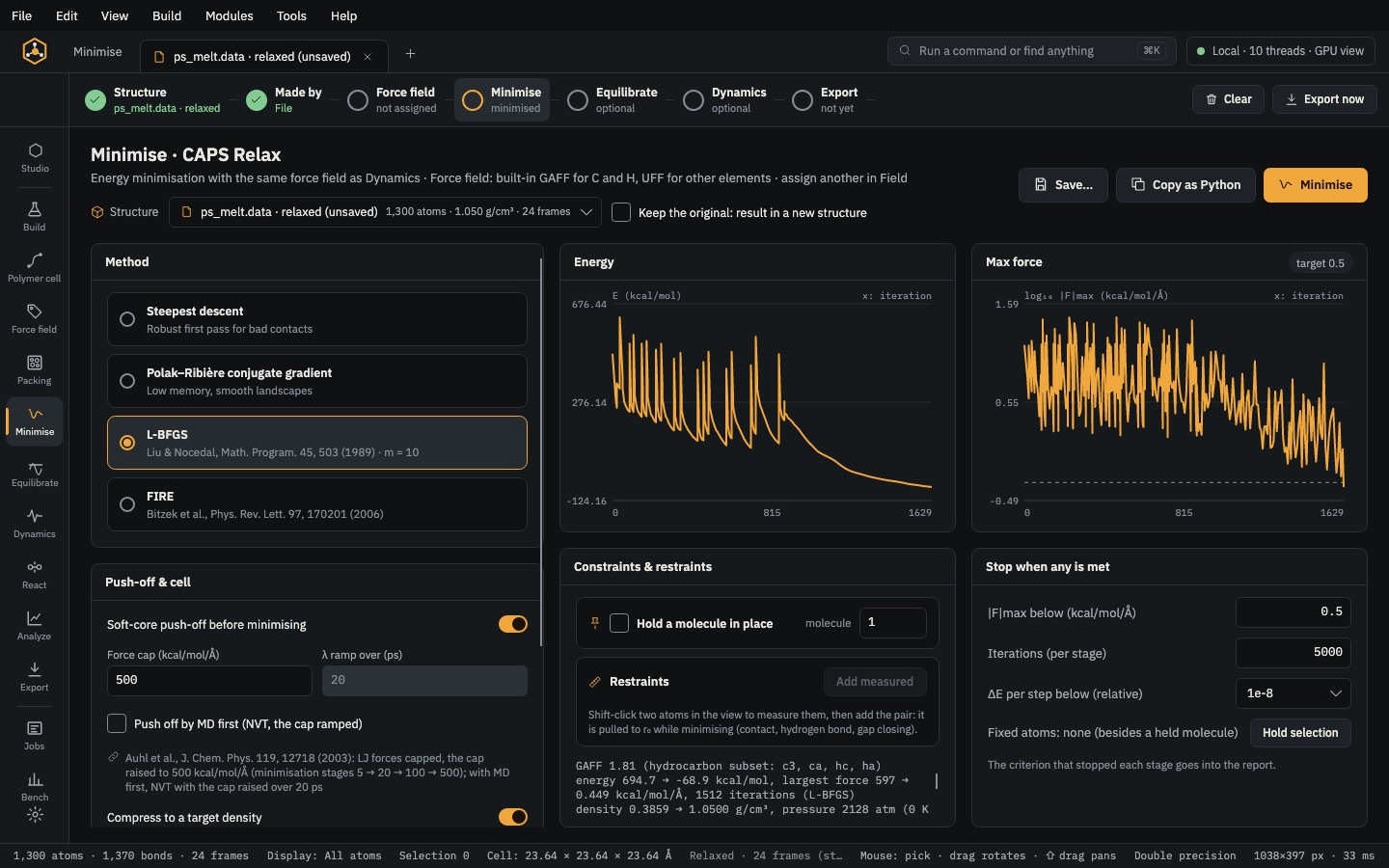 PrepareMinimiseRemove close contacts, compress a low-density cell to its target and relax the box.
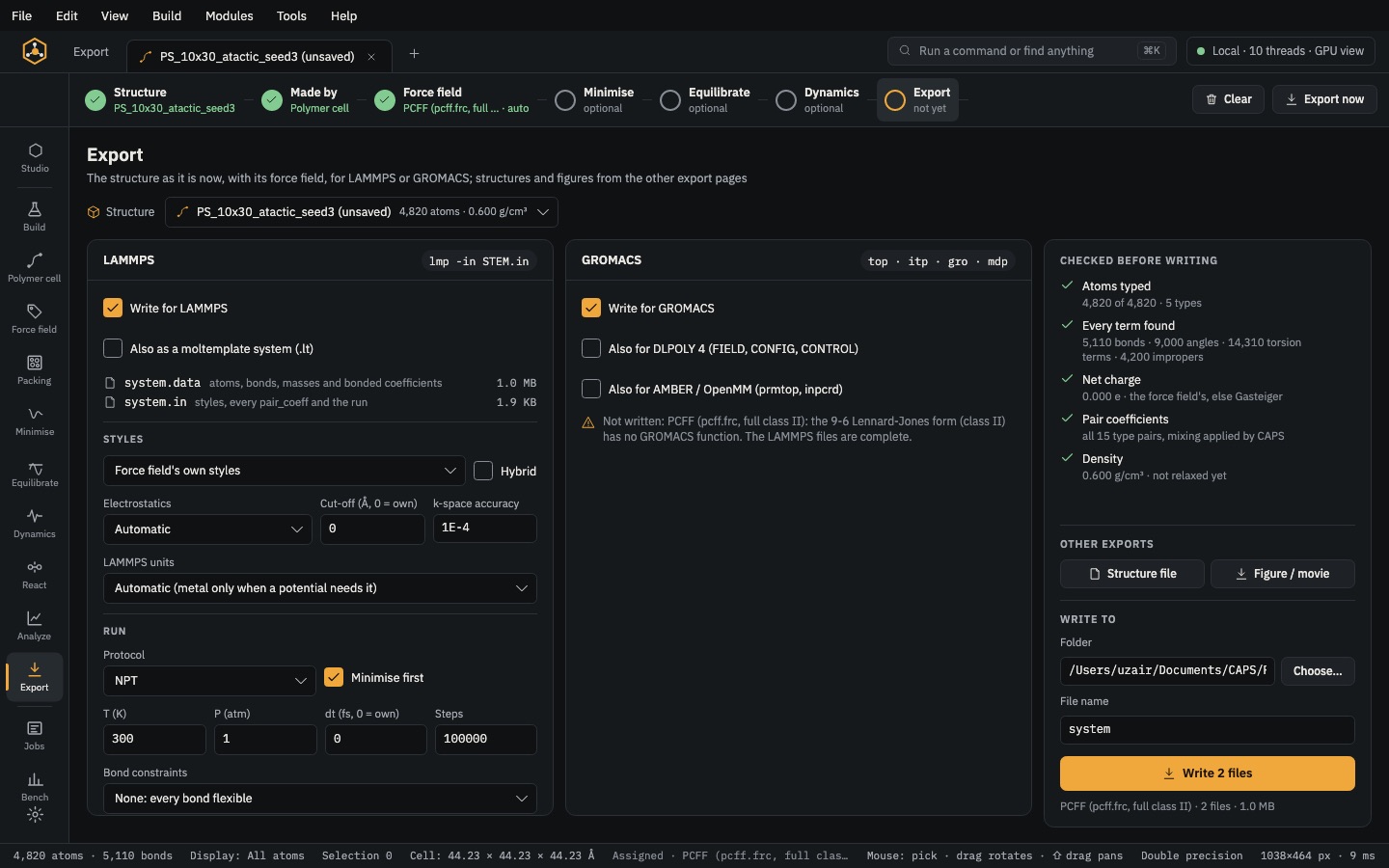 Analyse & exportExportLAMMPS, GROMACS, DL_POLY 4, AMBER/OpenMM and moltemplate decks, checked before they are written.