Analyse & export · module 23
Export
Write the simulation files for the engine you run on — in the force field's own style — with a run protocol, after CAPS has checked that the deck would run.
Open it Top bar›Export
- You start with
- A structure with a complete force field.
- You get
- LAMMPS data + input, GROMACS top/itp/gro/mdp, DL_POLY 4, AMBER prmtop/inpcrd, moltemplate .lt.
Step by step
Check the list
Checked before writing lists anything that would stop the deck running. With no force field you get Open the Force field step.
Choose the folder and name
Under Write to: Choose… a folder and a file name (default
system).LAMMPS styles
The force field's own styles, or CAPS-exact for verification; Hybrid when needed. Electrostatics automatic, PPPM, Ewald, damped shifted force or plain cut-off; the cut-off, k-space accuracy and units.
Pick the run
Check (single point), Minimise, NVT, NPT, a tensile test, creep, shear viscosity (NEMD) or a full equilibration protocol in LAMMPS — with T, P, dt and steps.
Add other engines
Write for GROMACS, and optionally DL_POLY 4 (FIELD, CONFIG, CONTROL) and AMBER / OpenMM (prmtop, inpcrd).
Press Write
The file list and a preview appear. Run LAMMPS with
lmp -in STEM.in, GROMACS from the top, gro and mdp.
The same without the Studio
Every Studio page calls the same core as the caps command and the caps Python package, so a step you clicked can be repeated in a script.
caps ff apply cell.data --ff pcff -o cell.data --lammps-input cell.in \
    --lammps-run npt --temp 300 --press 1 --steps 100000
import caps
d = caps.open("cell.data")
d.field.assign("opls2005")
d.export_engines("engines", stem="cell", run="npt", temperature=300, steps=100000)Where to go next
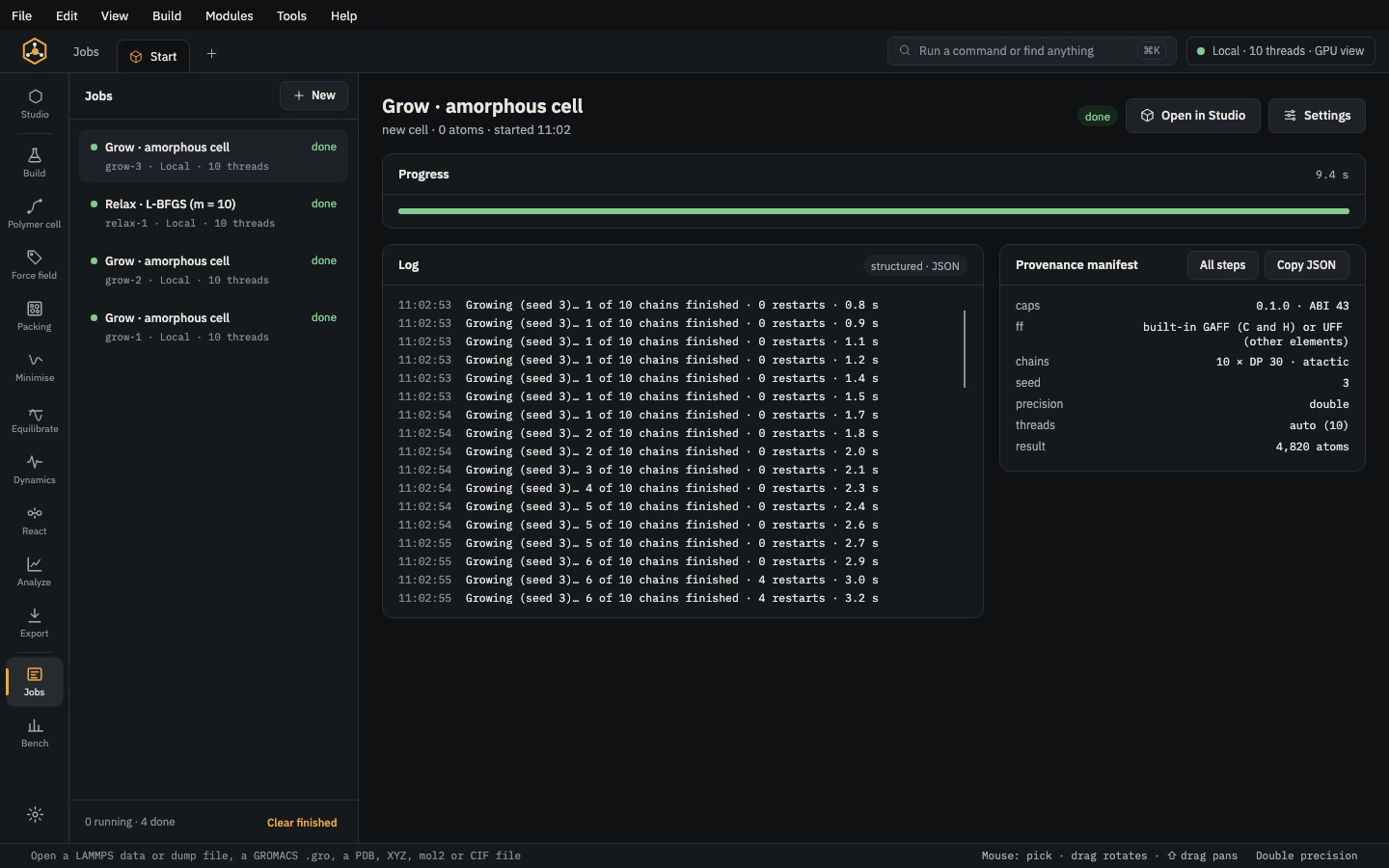 Analyse & exportJobsEvery run, local or on a SLURM / PBS cluster, with live progress, logs and recovery hints.
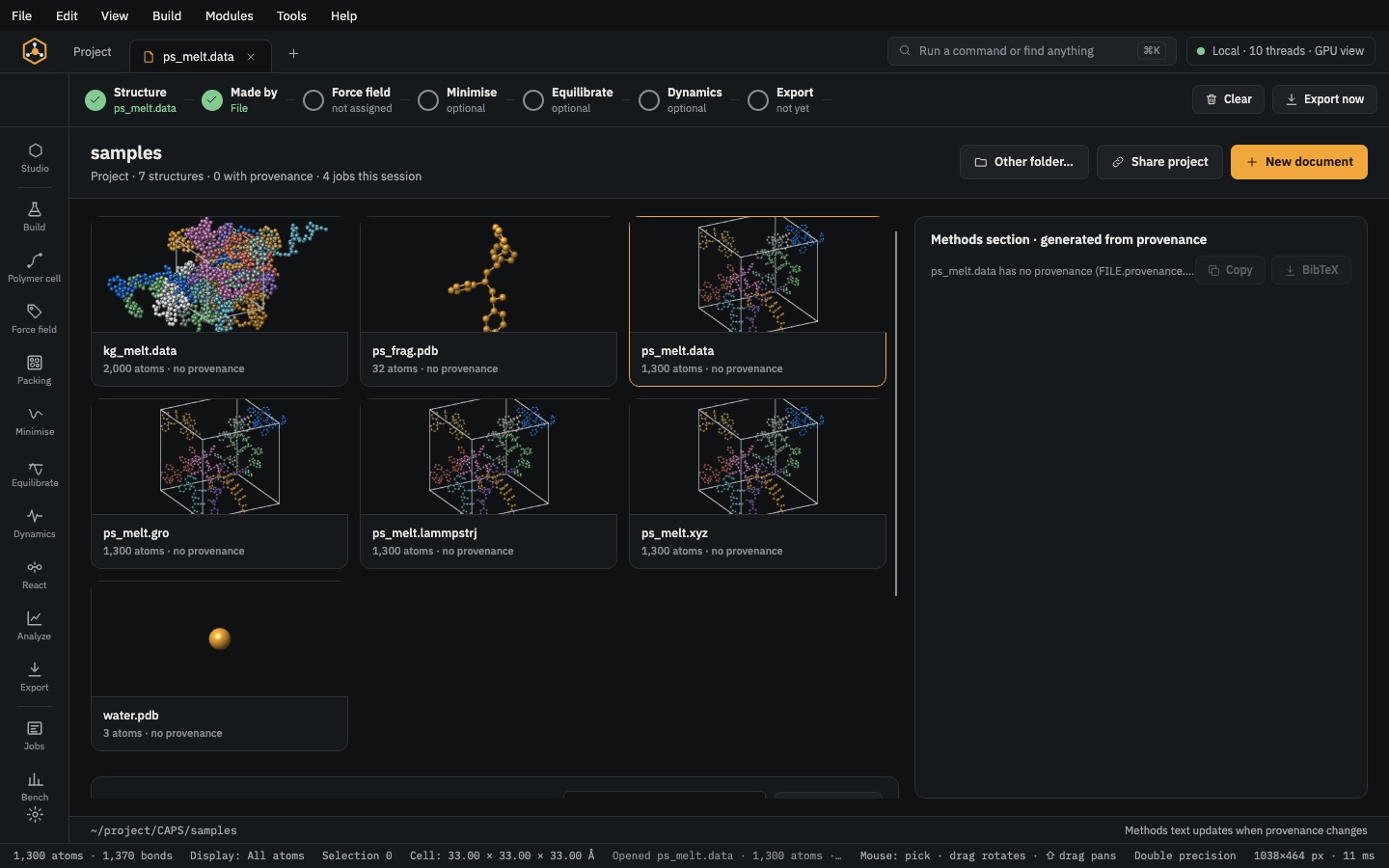 Analyse & exportProject & methodsA results table for every structure and a methods section with BibTeX, written from provenance.