Build · module 06
Blend
Grow two or more polymers together in one cell, by weight, volume or chain count, starting mixed, as two slabs or as a droplet.
Open it Build›Blend builder…
- You start with
- Two or more polymers (from the library or the Polymer builder).
- You get
- A blend cell; if every component has a force field, it goes straight to the Force field step by group.
Step by step
Add the components
Add component for each polymer with its chains, DP and density; Builder's chain takes the Polymer builder's polymer. Give the composition by weight %, volume % or chain count.
Choose the starting morphology
Mixed (default), Two slabs or Droplet.
Set the cell
Growth density 0.5 g/cm³, and the growth method (best of k trials or Rosenbluth).
Press Build blend
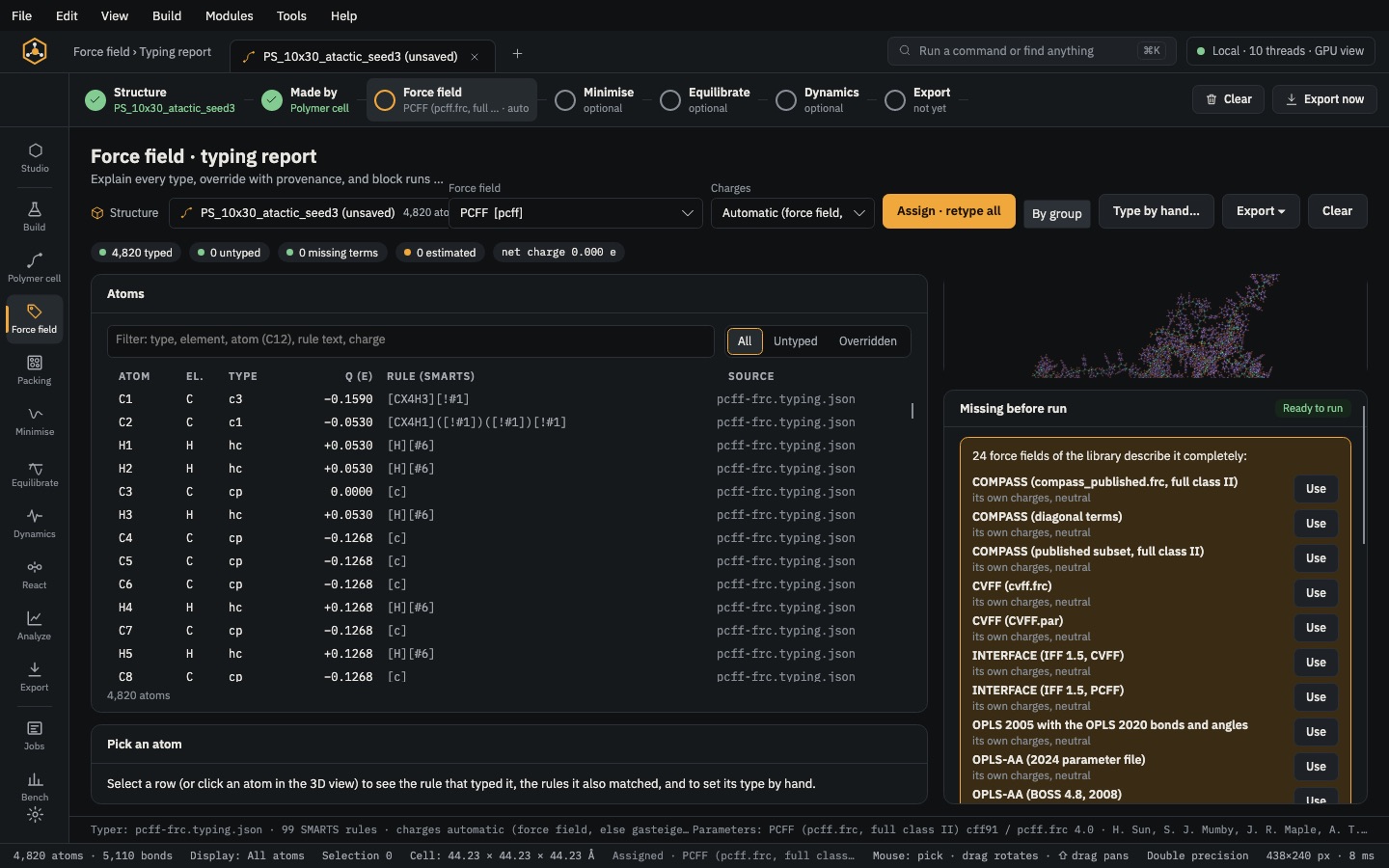
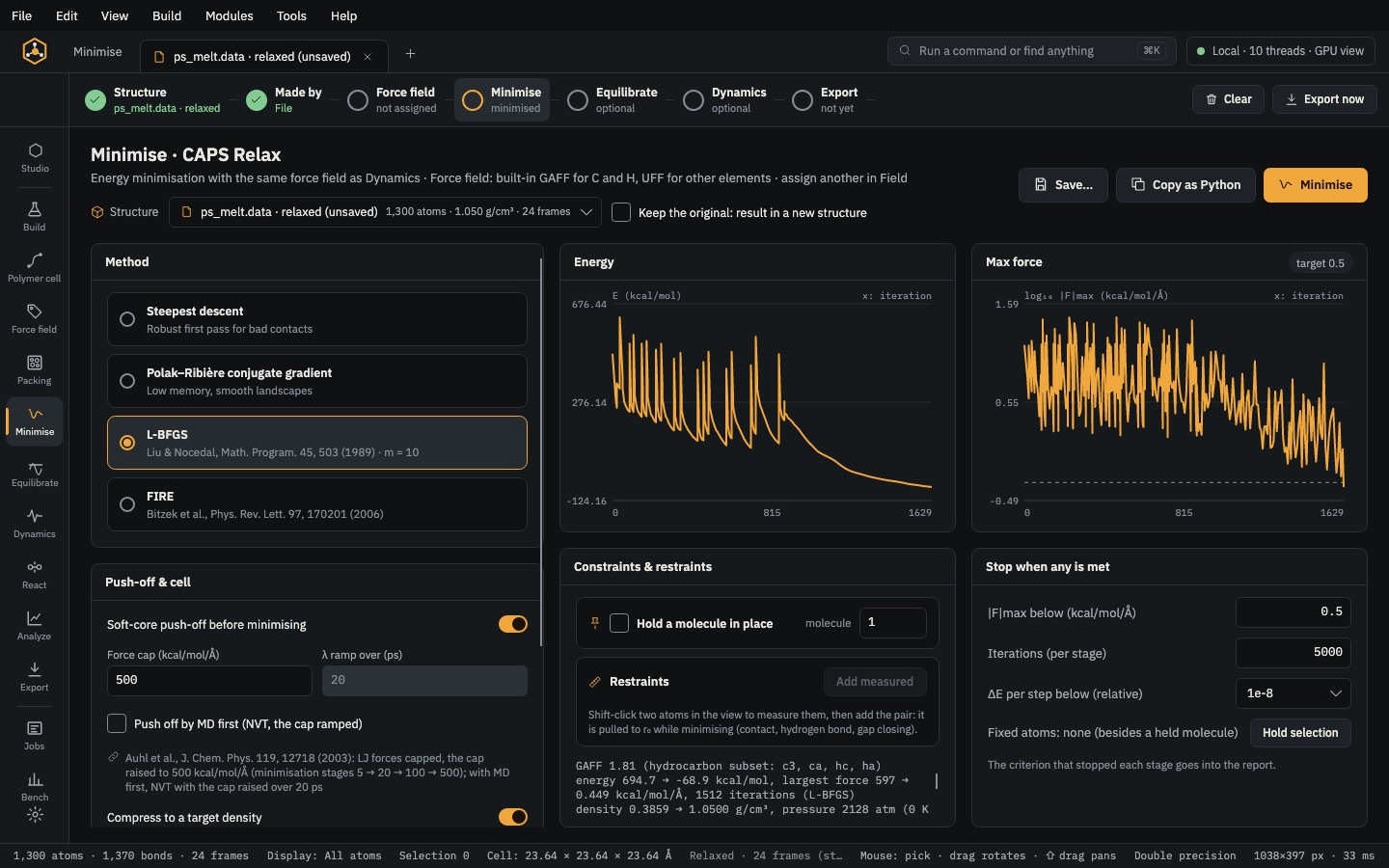
Then compress it in Minimise (target density) and equilibrate. Give each component its own force field with Force field › By group.
The same without the Studio
Every Studio page calls the same core as the caps command and the caps Python package, so a step you clicked can be repeated in a script.
caps blend --components '*CC(*)c1ccccc1,*CC(*)(C)C(=O)OC' --weights 0.5,0.5 \
    --chains 8 --dp 20 --density 0.5 -o blend.data